 EN
EN

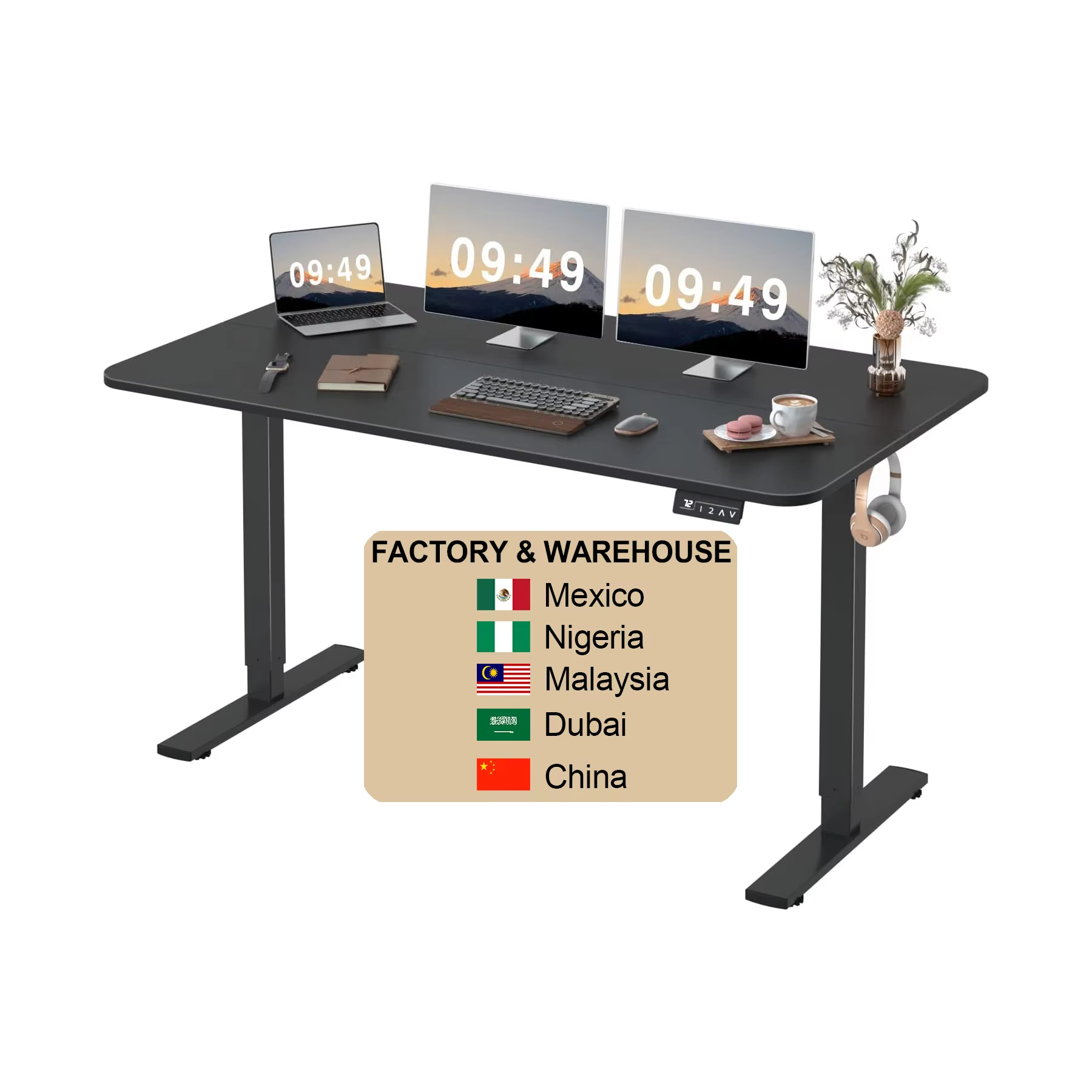
Why Ergonomics Matter: The Health Benefits of an Adjustable Desk
Ergonomic benefits of height adjustable desks for long-term comfort
Adjustable height desks really boost comfort over time because they let people switch between sitting and standing positions throughout their day. This helps cut down on the kind of strain that happens when someone stays in one position for too long at their desk. The ability to move around naturally keeps muscles active and blood flowing better, which means less stiffness and tiredness overall. Studies show workers who use these kinds of desks tend to be about 32 percent more productive. Most say it's because they feel physically better than when stuck at regular desks all day. Some companies have even noticed fewer sick days taken after switching to adjustable workstations.
How proper desk height reduces strain during extended work sessions
Getting the desk height right matters a lot for comfort at work. The ideal setup is when the desk sits at about elbow level with arms bent around 90 degrees. This helps keep shoulders down, wrists straight, and necks from bending forward so much, all things that lead to back pain and other muscle issues over time. Studies suggest workers who adjust their desks properly report feeling better in their upper bodies by roughly 40 percent than those stuck with regular old desks. Good desk positioning supports a natural spine curve while distributing pressure evenly across the body. People working long hours especially notice less overall fatigue because their muscles aren't constantly fighting against poor posture anymore.
The role of posture and desk height in preventing musculoskeletal disorders
Getting desk height right matters a lot for good posture and keeping away those annoying musculoskeletal problems we all know too well. When someone sets up their workspace correctly, it actually keeps the spine in its natural position, takes some weight off those little discs between our vertebrae, and gives the supporting muscles a break from constant tension. According to occupational health studies, folks who have their desks set at the right level tend to experience about half as much back pain compared to others, plus nearly half the neck ache complaints too. The real value here goes beyond just daily comfort though. By making these adjustments now, people can steer clear of serious long term issues down the road such as persistent neck pain, problems with lower back discs, and those frustrating repetitive stress injuries that creep in when we sit wrong day after day.
Standing vs. sitting: Debunking myths about adjustable desk effectiveness
What makes adjustable desks really valuable isn't so much about deciding whether to stand or sit, but giving people options to move around during their workday. Standing for hours on end tends to tire out legs and puts extra pressure on veins in the lower body. Sitting too long has its own problems too, like blood circulation getting sluggish. Most experts agree that switching positions roughly every half hour to an hour works best for most folks. When we actually get up and down throughout the day, our blood flows better, there's less strain on the back, and muscles stay engaged instead of going completely dormant like they do when stuck in one spot all day long.
Essential Features to Look for in a High-Quality Adjustable Desk
Dual motors for smooth, quiet, and reliable height adjustments
Dual motors deliver consistent, quiet performance, typically under 50 dB, making them ideal for shared or quiet environments. Unlike single-motor systems, they offer balanced lifting power and redundancy, ensuring smooth operation even under heavy loads. If one motor encounters resistance, the other compensates, preventing mid-adjustment stalls and enhancing long-term reliability.
Memory presets that simplify transitions between sitting and standing
Programmable memory presets allow one-touch adjustments to your ideal sitting and standing heights, tailored to your body's dimensions. This feature removes guesswork and encourages frequent posture changes, a key factor in reducing sedentary behavior and supporting circulation throughout the workday.
Frame stability, load capacity, and durability in premium models
A high-quality adjustable desk requires a reinforced steel frame and wide base to minimize wobble, especially at maximum height. Premium models support 300 to over 500 lbs, accommodating multiple monitors and equipment. Robust construction ensures durability and long-term performance, protecting your investment.
Finding Your Ideal Desk Height Using Anthropometric Guidelines
Anthropometric requirements for personalized desk adjustability
Finding the right desk height starts with something called anthropometrics, which basically means measuring people's bodies to create better workspaces. When setting up a desk, it works best if the surface sits at about elbow level whether someone is sitting or standing. That creates those comfortable 90 degree angles at both the elbows and knees, which feels much better than slouching or stretching awkwardly. Keeping the spine in a neutral position like this helps avoid all sorts of back problems down the road. Most ergonomics experts agree on one thing though furniture needs to fit the person, not force them to adjust their body just to get comfortable at work.
Calculating optimal desk height for both seated and standing positions
| User Height | Recommended Seated Desk Height | Recommended Standing Desk Height |
|---|---|---|
| 5'0" (152 cm) | 24–25 inches (61–63.5 cm) | 38–42 inches (97–107 cm) |
| 5'8" (173 cm) | 27–28 inches (68.5–71 cm) | 42–46 inches (107–117 cm) |
| 6'4" (193 cm) | 30–32 inches (76–81 cm) | 46–52 inches (117–132 cm) |
Finding the right desk height starts by measuring from the ground up to where your elbows naturally fall when your shoulders aren't tense. If most of your day involves sitting at a computer, make sure both feet can touch the floor comfortably and that your thighs form almost a horizontal line with the ground. Standing at your workstation? Keep those wrists in a neutral position as you type, not bent awkwardly up or down. The screen should sit somewhere around eye level or just a bit lower so we're not straining our necks looking up all day long.
Adjusting desk height throughout the day for dynamic posture support
What really makes adjustable desks worth their weight is when people actually change positions throughout the day. Studies indicate that switching between sitting and standing roughly every half hour to an hour can cut down on back pain and other physical issues by around 54% compared to staying in one position all day long according to Ergonomics International research from last year. For best results, tweak the desk height depending on what needs doing at any given moment. Lower it just a bit when deep concentration is needed, raise it up when brainstorming with colleagues or reviewing documents together. These little tweaks help maintain better blood flow and keep the body moving naturally instead of stiffening up in place.
Creating a Fully Ergonomic Workspace Around Your Adjustable Desk
Proper monitor, keyboard, and chair alignment for sit-stand setups
Getting your workspace set up right means matching your monitor, keyboard, and chair heights properly with where your desk sits. The screen needs to be far enough away so arms aren't stretched out, but close enough to read without squinting. Ideally, the top edge of whatever you're looking at should line up with or sit just under your eyes when sitting straight up. That helps keep the neck from getting sore after hours at work. For typing comfort, keyboards need to be positioned so elbows aren't bent too much or too little either. When hands are on the keys, forearms should run roughly parallel with the ground. A good quality chair makes all the difference too, especially ones designed to support the lower back properly. Don't forget about feet placement either they need somewhere stable to rest, whether directly on the floor or on something underneath. Studies show people who arrange their desks this way report about 60% fewer aches and pains in their muscles and joints compared to those working in badly arranged spaces according to research published last year in Journal of Occupational Rehabilitation.
Integrating ergonomic accessories to maximize comfort and efficiency
Adding certain accessories can really make workspaces better for people who switch positions throughout their day. For instance, monitor arms let workers adjust screens easily without straining their necks. Keyboard trays tucked underneath desks help keep wrists in proper position while typing, which matters a lot over time. Document holders are also useful since they hold papers at eye level instead of forcing someone to look down constantly. Standing all day gets easier with anti fatigue mats that cushion the feet and legs. When combined, these different components form what many call an adaptable workspace environment that actually works with how bodies move naturally rather than against them during long hours at a desk.
Common mistakes in adjustable desk setup and how to avoid them
Many people make mistakes when setting up their workspaces that actually cancel out any ergonomic advantages they might have. When monitors sit too low on the desk, it pulls the head forward, creating serious neck strain over time. Even if everything looks aligned properly, sitting in one position for too long will eventually lead to fatigue no matter what. And those peripheral devices placed across the room? They force us to reach repeatedly throughout the day, which isn't good either. To fix these problems, try setting up memory presets on adjustable chairs and desks so returning to proper alignment becomes second nature. Regular check-ins about workspace configuration can catch small issues before they become big ones. Also remember that old trick called the 20-20-20 rule: take a quick break every twenty minutes to glance at something twenty feet away for twenty seconds. This simple habit helps relieve eye tiredness and prevents poor posture from becoming habitual.
Developing Healthy Sit-Stand Habits for All-Day Comfort and Focus
Ideal sit-stand ratios and daily standing duration for productivity
Finding the right balance between sitting and standing typically means switching positions somewhere around every 30 to 45 minutes or so. Most people start out standing for maybe 15 to 20 minutes each hour, then slowly build up time as their legs get used to it. Research indicates something interesting here too. Workers who manage to get up and move around about four times throughout an eight hour workday tend to stay focused much better than others. Their attention stays pretty close to where it was when they first started the day, only dropping about 12%. But folks stuck at regular desks throughout the whole day see their concentration plummet by roughly 32% instead.
Risks of prolonged sitting and sitting: Balancing both safely
Spending too much time seated or on our feet all day isn't good for us either way. When we sit for hours on end, blood flow gets sluggish and our muscles start to complain, often leading to those nagging back problems so many office workers face. Stand around too long at work though, and legs get tired, backs ache, and pressure builds up in the lower body. What works better than avoiding both extremes? Moving between positions throughout the day makes all the difference. Research looking at over two dozen studies shows folks who use sit-stand desks properly report about a third less back pain overall, nearly half reduction in neck and shoulder discomfort, plus they generally feel more alert and energized during their workday.
Using movement and position changes to sustain energy during long hours
What we call dynamic ergonomics basically means moving around regularly and changing our posture throughout the day. This helps keep us energized and focused on what needs doing. A study done at the University of Minnesota found that people using sit stand desks generally felt happier and had more energy compared to folks who stayed seated all day long. Want to try this approach? Start making little adjustments here and there. Maybe switch between sitting and standing positions during work hours. When standing, don't just lock into one position either - shift weight from side to side occasionally. And remember to take short breaks whenever possible. These simple habits work even better when combined with something like an anti fatigue mat underfoot and shoes that actually support our feet properly. Suddenly, staying comfortable at work becomes easier and concentration lasts much longer into the afternoon.
FAQ
1. How often should I switch between sitting and standing at my adjustable desk?
Most experts recommend changing positions approximately every 30 to 45 minutes to maintain good circulation and reduce fatigue.
2. Are there specific ergonomic accessories I should consider for my adjustable desk setup?
Yes, consider using monitor arms, keyboard trays, and anti-fatigue mats to improve comfort and efficiency.
3. How can I find the right desk height for me?
Measure from the ground to your elbows while keeping your shoulders relaxed; your desk surface should be at elbow level for optimal comfort.
4. Does using an adjustable desk reduce the risk of musculoskeletal disorders?
Yes, adjusting desk height to support natural posture and position changes throughout the day can help prevent musculoskeletal issues.
5. What is the role of memory presets in adjustable desks?
Memory presets enable quick and consistent adjustments to preferred sitting and standing heights, promoting frequent posture changes and reducing the risk of sedentary behavior.
Table of Contents
- Why Ergonomics Matter: The Health Benefits of an Adjustable Desk
- Essential Features to Look for in a High-Quality Adjustable Desk
- Finding Your Ideal Desk Height Using Anthropometric Guidelines
- Creating a Fully Ergonomic Workspace Around Your Adjustable Desk
- Developing Healthy Sit-Stand Habits for All-Day Comfort and Focus